


Detect where each visitor is browsing from and send them to the right regional store, market, currency, or page, using rules you control.
A short introduction to detecting visitor locations and routing them to the right store.
GeoLocation Traffic RedirectApp intro
Video
Video coming soon
Route by country, continent, or custom groups to the store, market, or URL that serves them best.
Send visitors to the right currency and language experience instead of a generic default.
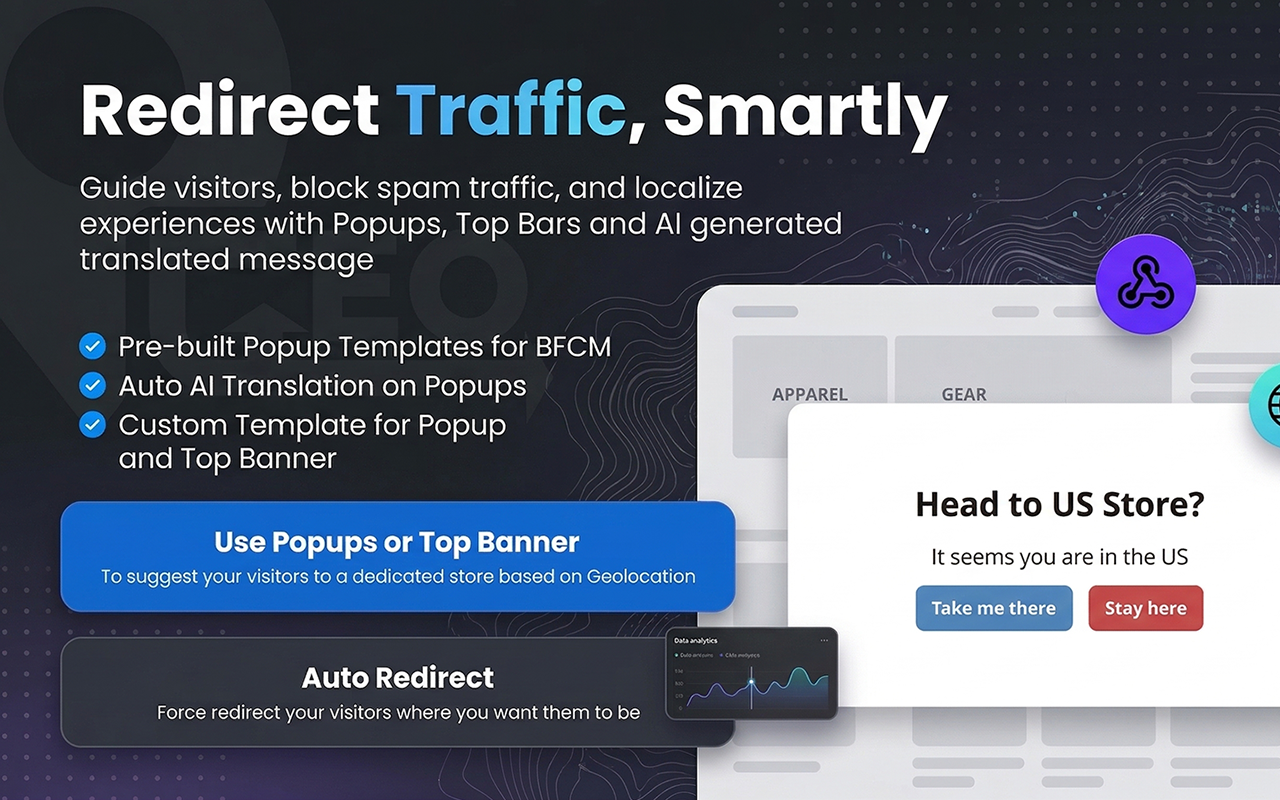
Choose hard redirects or a polite suggestion popup, and remember each visitor’s choice.
Skip bots, search crawlers, and campaign URLs so SEO and paid traffic are never disrupted.
Pick where a visitor is browsing from and see the routing decision the app makes.
One rule set covers stores, markets, currencies, and landing pages. Visitors keep their cart and campaign parameters through the redirect.
One-click install from the Shopify or BigCommerce app store. Geolocation works out of the box.
Map countries and regions to stores, markets, currencies, or URLs, and pick redirect or popup behavior.
Every arrival is detected and sent to the right experience, with bots and campaigns excluded.
Installation, building region rules, and testing your redirects, step by step.
GeoLocation Traffic RedirectUser guide
Video
Video coming soon
It detects where each visitor is browsing from and sends them to the right regional store, market, currency, or page, using rules you control.
Yes. Choose hard redirects or a polite suggestion popup, and each visitor’s choice is remembered.
No. Bots, search crawlers, and campaign URLs are excluded, so SEO and paid traffic are never disrupted.
Route by country, continent, or custom groups to the store, market, or URL that serves them best.
Shopify and BigCommerce.
Send every visitor to the right storefront, automatically.